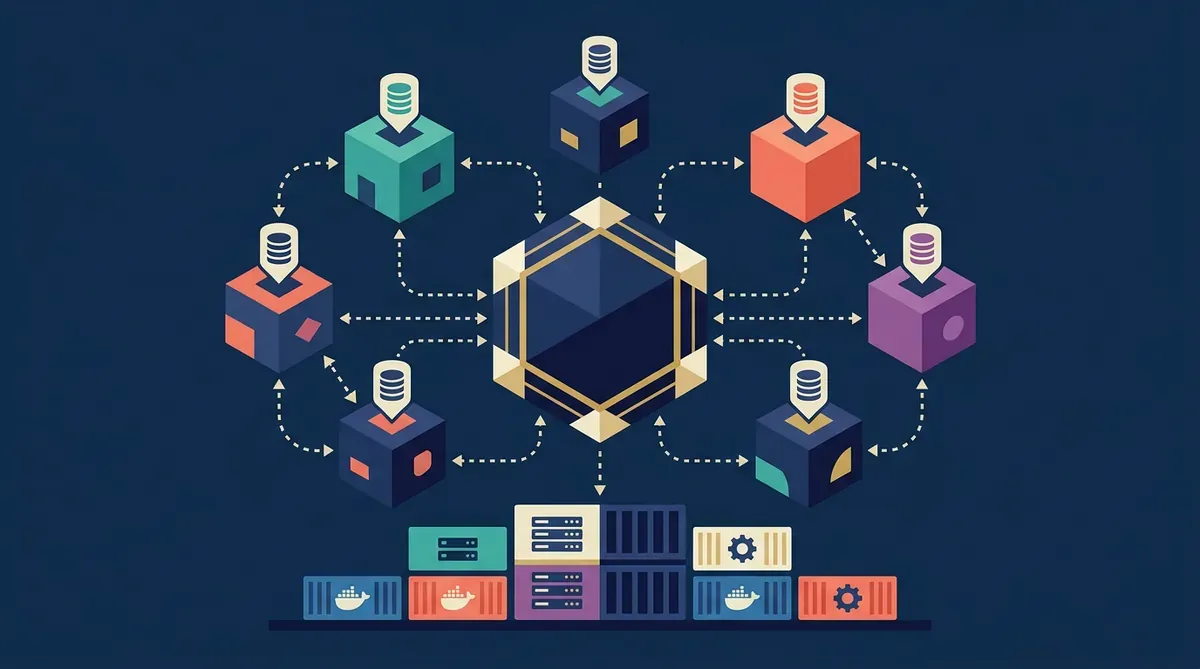
Starter Kit de Stack Soberano & Router Multi-LLM
Descripción
Docker Compose + flujos n8n + prompts de routing para montar tu propio centro de mando multi-IA. Deja de depender de una sola API y distribuye el trabajo entre 11 modelos.
Este producto aún no tiene un enlace de compra configurado.
Portal de Clientes (Odoo)
El procesamiento de pago, facturación y la gestión de tus descargas se realizan en nuestro espacio seguro de Odoo.
🔑 ¿Ya lo adquiriste? Inicia sesión aquí para descargarlo →Este kit resuelve un problema concreto: la dependencia de un solo proveedor de IA. Cuando tu flujo de trabajo depende de una API y esa API cambia precios, limita tokens o se cae, tu operación se detiene.
El Starter Kit incluye la configuración completa para:
- Router Multi-LLM: Lógica de routing por tipo de tarea (código → DeepSeek, redacción → GPT-4o-mini, análisis → Qwen, visión → Kimi). Basado en la matriz de failover que documento en el jardín digital.
- Stack Soberano en Docker: n8n + Redis + PostgreSQL + Astro en un solo
docker-compose.ymlprobado en producción (VPS de 4GB RAM). - Prompts de Routing: Plantillas de system prompts optimizadas para cada modelo, con instrucciones de formato y restricciones específicas.
- Matriz de Failover: Configuración de respaldo automático — si el provider primario falla, el router escala al secundario sin intervención manual.
El kit está diseñado para alguien que ya usa IA en su flujo de trabajo y quiere dejar de depender de una sola API. No necesitas saber programar, pero sí sentirte cómodo con Docker y editar archivos YAML/JSON.
docker-compose.ymlcompleto: n8n + Redis + PostgreSQL + variables de entorno documentadas- 8 flujos n8n en JSON (importar directo): router de tareas, traducción automática, generación de contenido, análisis de datos, scraping + resumen, email drafting, code review, research pipeline
- Matriz de routing en YAML: 11 modelos × 8 tipos de tarea con scores de rendimiento reales
- 11 system prompts optimizados (uno por modelo) con instrucciones de formato, tono y restricciones
- Guía de despliegue paso a paso: desde VPS vacío hasta router operativo en 45 minutos
- Plantilla de monitoreo: dashboard en n8n para ver consumo por modelo, latencia y tasa de error
- README con troubleshooting: los 12 errores más comunes y cómo resolverlos
- Requisitos previos: Un VPS con mínimo 4GB RAM (Ubuntu 22.04+), Docker y Docker Compose instalados, y al menos 2 API keys de modelos de IA (OpenAI + OpenRouter es la combinación más rápida para empezar).
- Clona y configura: Copia el
docker-compose.ymla tu servidor, edita el archivo.envcon tus API keys y ajusta los puertos si es necesario. - Levanta el stack: Ejecuta
docker compose up -d. Espera 2 minutos a que n8n inicialice. - Importa los flujos: Abre n8n en
http://tu-servidor:5678, ve a Workflows → Import from File, e importa los 8 JSONs incluidos. - Configura el router: Edita la matriz de routing (
routing-matrix.yaml) con tus modelos disponibles. Los que no tengas, márcalos comodisabled. - Prueba el pipeline: Ejecuta el flujo "router-test" con una tarea de ejemplo. Verifica que la respuesta llega del modelo correcto.
- Itera: Ajusta los system prompts según tu tono y necesidades. La guía incluye un capítulo de fine-tuning de prompts por modelo.